Best TV Setup for GTA VI: 4K, HDR and VRR Without Overbuying
· admin
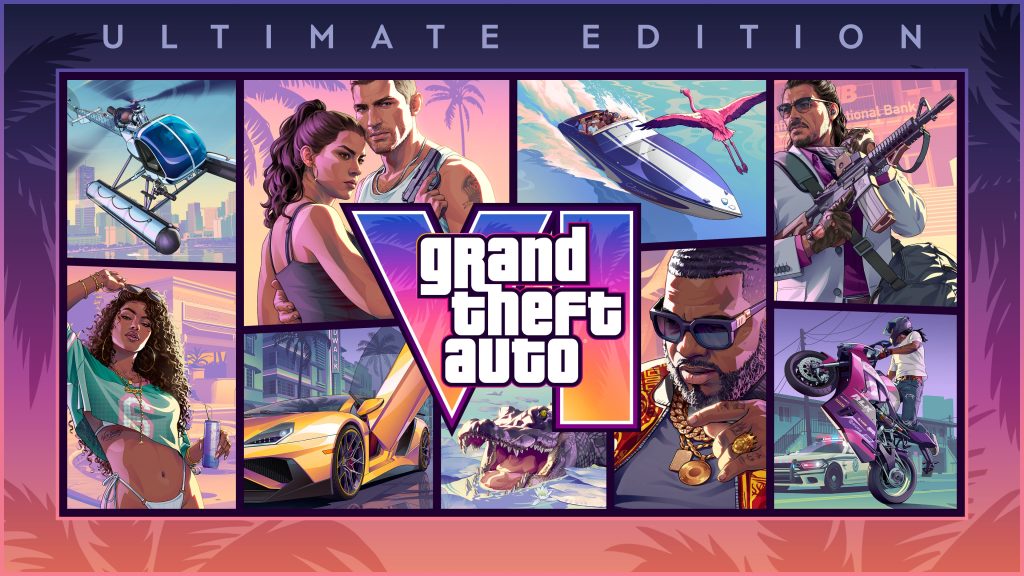
READY FOR NOVEMBER 19 · MISSION INTEL
You do not need a new TV just because GTA VI is coming. A good setup starts with the display you already own: game mode, correct HDMI input, HDR calibration and sensible motion settings.
Questions this guide answers
- What TV settings should I use for GTA VI?
- Do I need a 120 Hz TV for GTA VI?
- Should I upgrade my TV or console first for GTA VI?
What this means in practice
A new display is not the first step toward a better game image. Correct input mode, HDR setup, latency settings and basic calibration can change the experience on the TV you already own.
Only shop after you know the limitation you are solving. A 120 Hz panel is broadly useful, but it should not be sold as a GTA VI requirement when final game modes have not established that need.
What display problem are you solving?
Quick answer
If your TV already has solid HDR, low-latency game mode and a good 4K image, focus on configuration before shopping. VRR and 120Hz are useful platform features, but they do not guarantee GTA VI itself will use a specific high-frame-rate mode.
What actually matters
| Decision point | What matters | Why |
|---|---|---|
| Game Mode | Turn it on for console input | Usually reduces latency by disabling heavy processing. |
| HDR | Calibrate console + TV | Avoid ‘vivid’ modes that crush detail. |
| VRR | Enable if supported | Useful when games output variable frame rates, but GTA VI-specific behavior is not yet confirmed. |
| 120Hz panel | Nice platform headroom | Do not buy one solely because you assume GTA VI will run at 120 FPS. |
Choose your situation
You probably already have a strong display. Spend time calibrating, not shopping.
GTA VI will still play on supported consoles; upgrade only if broader 4K/HDR benefits matter to you.
A better display can improve every game and streaming use case; PS5 Pro improves the console side. Decide which bottleneck is actually visible in your setup.
Confirmed vs hype
Confirmed
- PS5 Pro supports 4K output, ray-tracing features and PSSR in supported games.
- Xbox Series X is positioned for true-4K gaming generally.
- GTA VI final display/performance modes are not a reason to promise 120 FPS.
Do not treat as fact yet
- Any GTA VI-specific 120Hz/VRR mode should wait for official details.
FAQ
Do I need a 120Hz TV for GTA VI?
No confirmed GTA VI requirement says that. A 120Hz TV is useful for supported games generally.
Should I turn on motion smoothing?
For gaming, low-latency game mode is usually the better starting point than cinematic motion processing.
Does PS5 Pro require a 4K TV?
It works with other displays, but premium image-quality upgrades are easier to appreciate on a capable 4K screen.
Research sources
This guide prioritizes primary sources for factual claims and uses current community discussions only to understand what buyers are asking—not as proof of technical facts.