GTA VI Launch Day Checklist: 12 Things to Do Before November 19
· admin
READY FOR NOVEMBER 19 · MISSION INTEL
Launch day should be about playing, not recovering passwords or downloading a system update. Use this checklist during the week before November 19.
Questions this guide answers
- What should I do before GTA VI launch day?
- What should I check after preloading GTA VI?
- How do I avoid account, storage and controller problems on November 19?
What this means in practice
Most launch-day failures are mundane: a forgotten password, a full drive, a dead controller or a system update. None of those require new hardware, and all of them are easier to fix before November 19.
Use the week before launch as a dry run. Open the game tile, confirm ownership, verify your account, charge everything, test audio and internet, and leave the console in a state where launch day has as few decisions as possible.
Launch-day readiness check
Quick answer
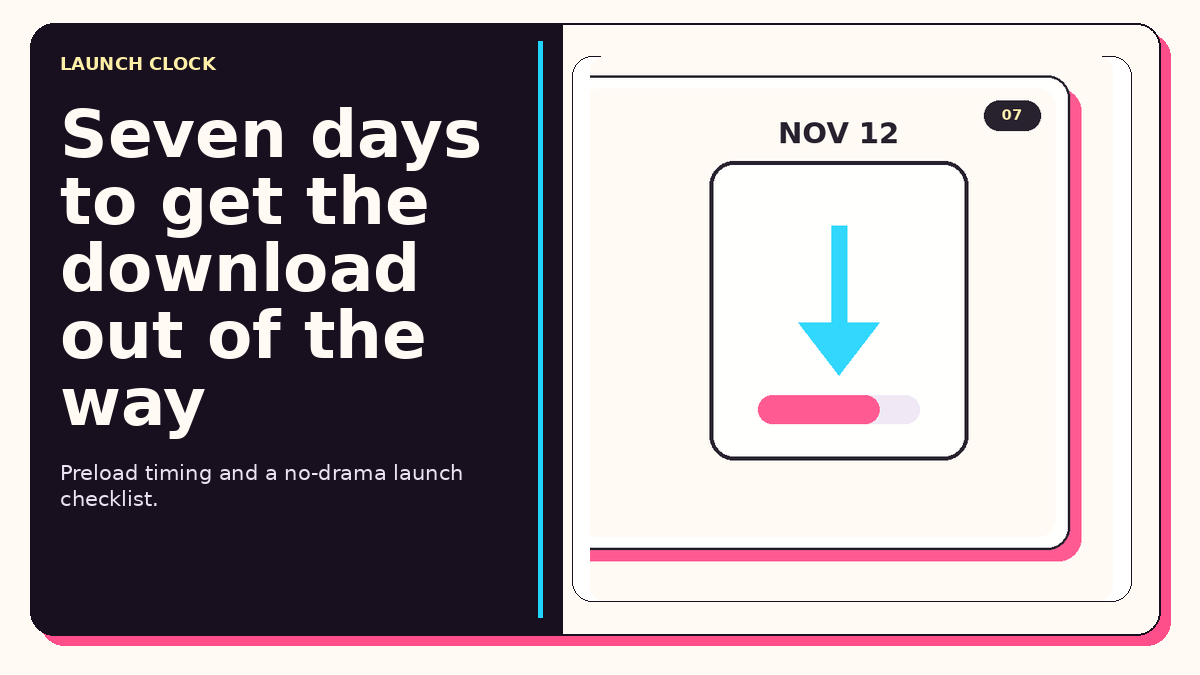
The biggest confirmed deadline is November 12, when Rockstar says digital preload begins. Use the seven-day window to clear storage, update the console, confirm your account login and test your display/audio setup.
What actually matters
| Decision point | What matters | Why |
|---|---|---|
| Nov 12 | Start preload | Do not leave the entire download for launch night. |
| Before launch | Update console + controller | Remove preventable update delays. |
| Before launch | Verify account/password/2FA | Avoid getting locked out when traffic is heavy. |
| Launch day | Use wired Ethernet if practical | Reduce Wi-Fi variability during patches/downloads. |
Choose your situation
Check that preload starts and that the correct edition is attached to your account.
Redeem the code as soon as it arrives so you can download before launch.
Confirm who owns the game license and whether offline sharing/home-console settings are configured.
Confirmed vs hype
Confirmed
- Preload begins November 12 for digital preorders.
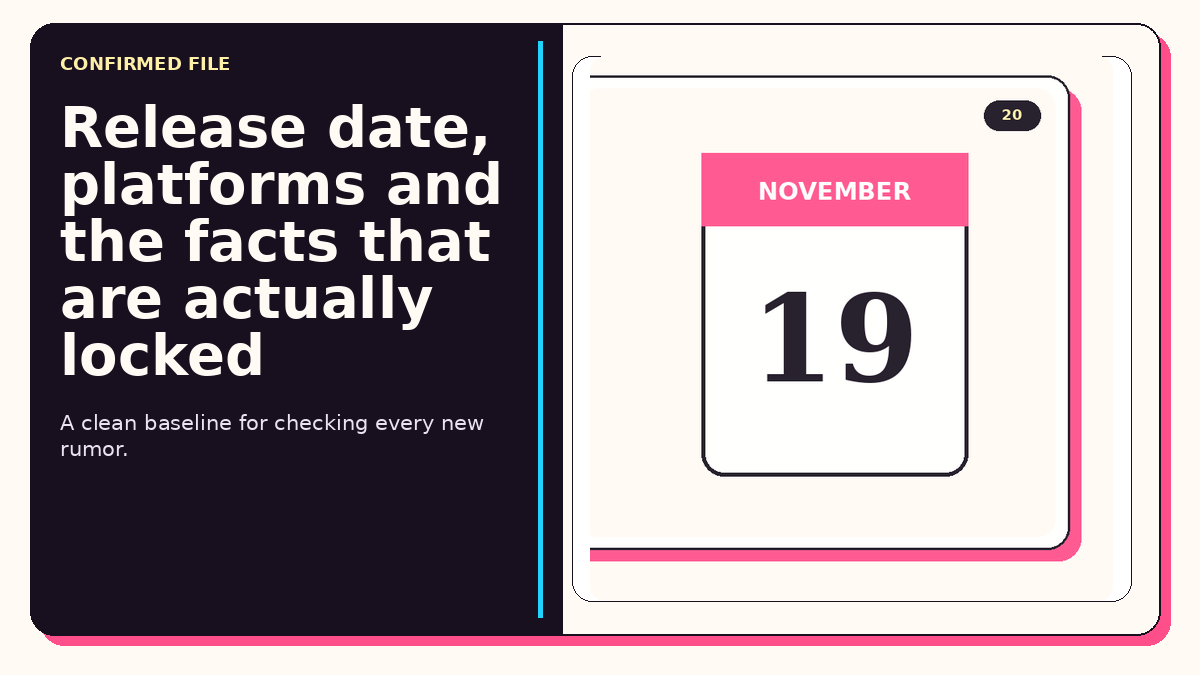
- Launch is November 19.
- The physical version uses a code, so it still requires a download.
Do not treat as fact yet
- Final day-one patch size and total install size are not confirmed enough to plan around rumor numbers.
FAQ
When should I clear storage?
Before November 12 so preload is not blocked.
Should I take launch day off before confirming preload?
At minimum, verify your purchase, download and account access first.
Do I need a new controller?
No. Charge/test the controller you already own unless you actually need a replacement or second pad.
Research sources
This guide prioritizes primary sources for factual claims and uses current community discussions only to understand what buyers are asking—not as proof of technical facts.